

Traeger’s App Just Added Live Activities — Here’s What It Actually Does
Traeger announced an update to its companion app this week, and unlike most version bumps that get buried in “bug fixes and performance improvements,” this one adds a feature owners have been asking for by name: Live Activities.
The news from Traeger, via a Facebook post: “The Traeger App just leveled up. Live Activities lets you track your cook at a glance from your iPhone and Apple Watch—so you stay in control while you focus on the good stuff. All powered by WiFIRE®.”
What’s Actually New
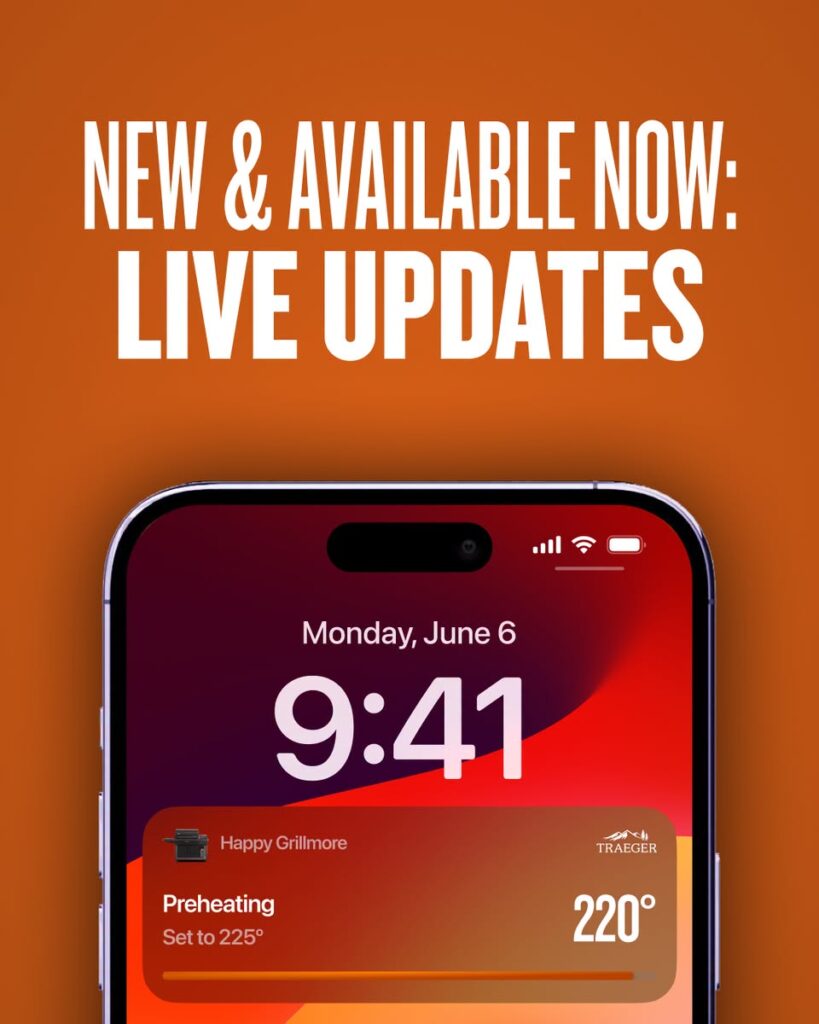
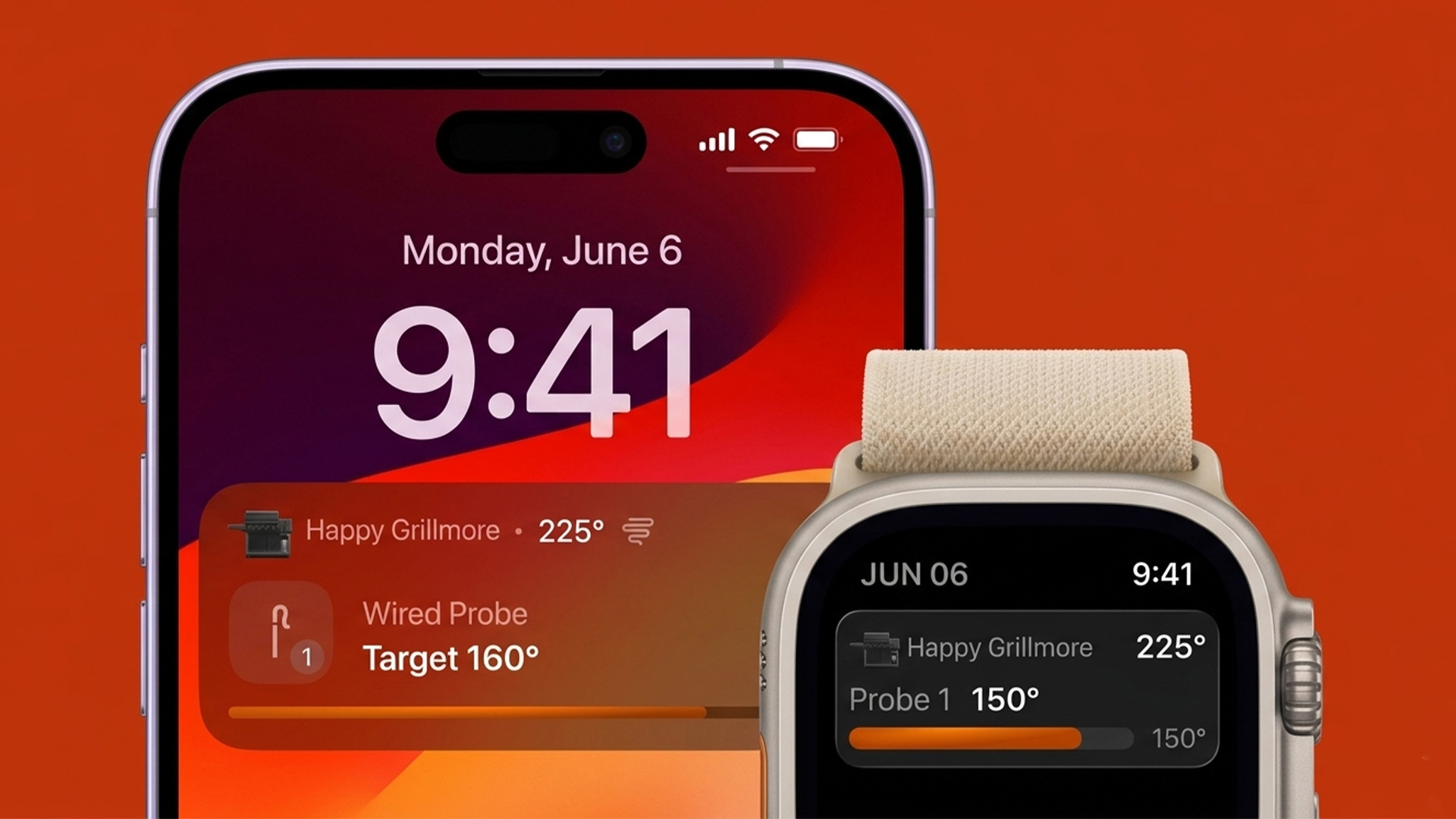
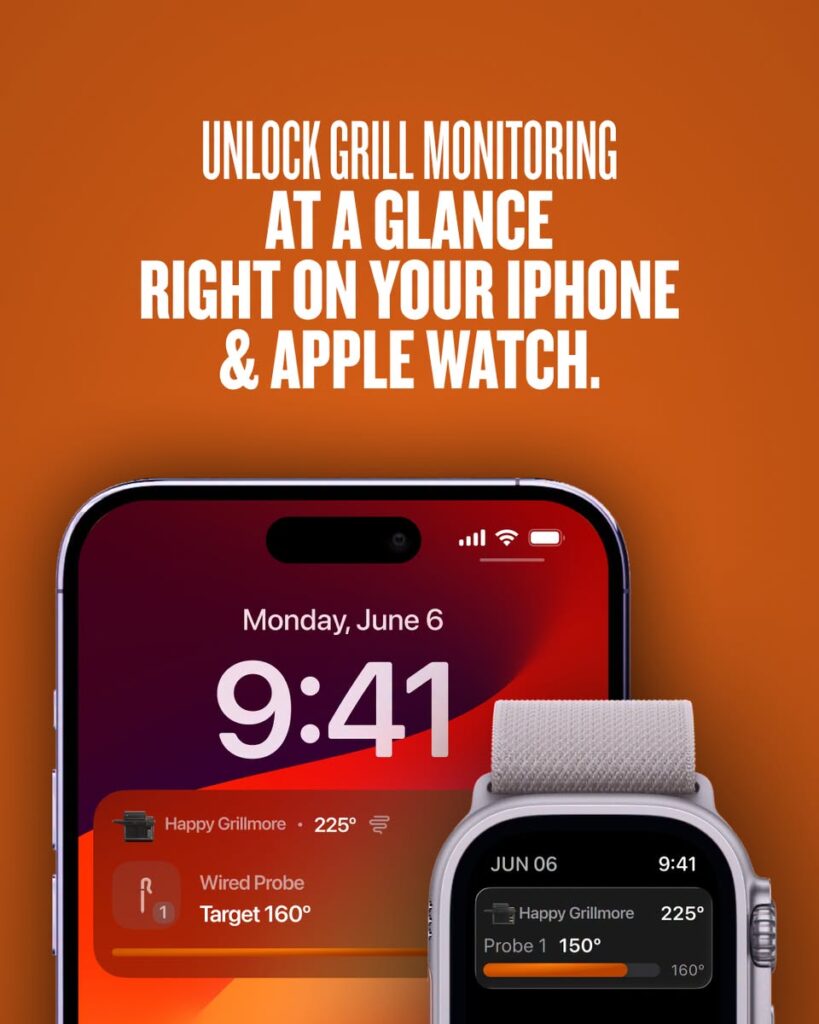
Live Activities is Apple’s framework for showing real-time, glanceable information on the Lock Screen and in the Dynamic Island, without needing to unlock your phone or open the app. For Traeger owners, that means grill temperature, probe temperature, and active timers now show up:
- On the iPhone Lock Screen
- In the Dynamic Island (iPhone 14 Pro and newer)
- On Apple Watch
Alongside Live Activities, this release also includes:
- A redesigned Grill Control screen with a new Menu button and a toggle to turn Live Activity tracking on or off
- Improved Apple Watch and CarPlay Smart Stack support
- Additional VoiceOver and accessibility improvements
- General bug fixes and performance updates
All of it runs through WiFIRE, Traeger’s existing wifi connectivity system — no new hardware is required if your grill already connects to the app.
Why This Matters
This wasn’t a surprise feature. It was one of the most requested items in the app’s own App Store reviews. One review from September 2025 put it directly: “Would really love to be able to see things like grill/probe temp and pellet level at a glance on my home/lock screen without needing to always open the full app.” Live Activities is Traeger’s answer to that, almost a year later. This is a good sign as Traeger is at least listening, even if it took a while.
Requirements
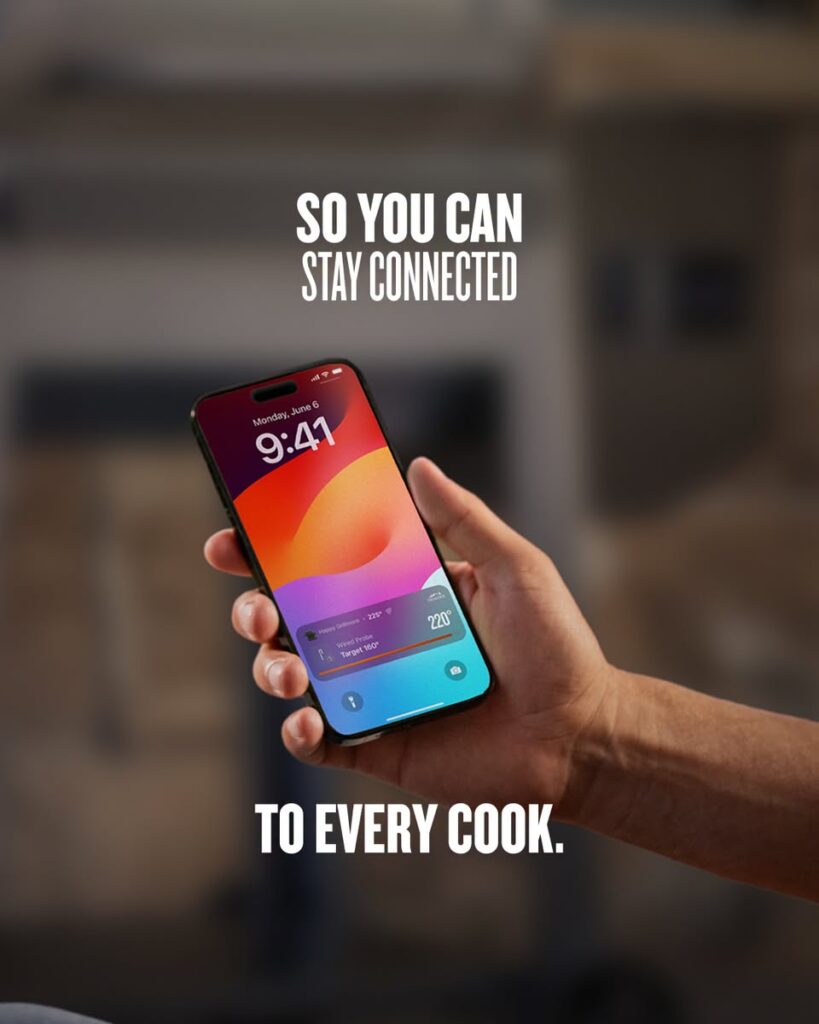
Per the App Store listing, the Traeger app requires:
- iPhone: iOS 16.4 or later
- Apple Watch: watchOS 8.0 or later
- A WiFIRE-enabled Traeger grill is already connected to your account
The Dynamic Island display is available only on iPhone 14 Pro or later — older iPhones will still get the Lock Screen Live Activity, just not the pill-shaped Dynamic Island version.
Android users aren’t mentioned in the announcement. Live Activities is an Apple-only framework, so this is an iOS and watchOS feature exclusively, at least for now.
How to Get It
Update the Traeger app from the App Store (or Google Play, though the Live Activities feature won’t apply there), then enable the Live Activity toggle on the redesigned Grill Control screen the next time you start a cook. If it’s not avaiable yet to download or update, give it a day, as it does take some time to show up in all parts of the world.
Get the Traeger app on the App Store
The Takeaway
This is a genuinely useful, no-cost update for anyone with a WiFIRE-connected Traeger grill — it doesn’t require buying anything, and it solves a real annoyance: constantly unlocking your phone to check on a long smoke. It’s not a flashy hardware release, but for day-to-day use, glanceable temp and timer info on the Lock Screen or your wrist is the kind of small quality-of-life change that gets used every single cook.
The Traeger WIFIRE App is a strong feature for the Traeger grills. I like the simplicity of it and haven’t ever had any connectivity issues with any cooks so far. Some people want to fire up their grill with the app. While that would be incredibly useful, it could also be dangerous, so I doubt that feature will ever be introduced.
