

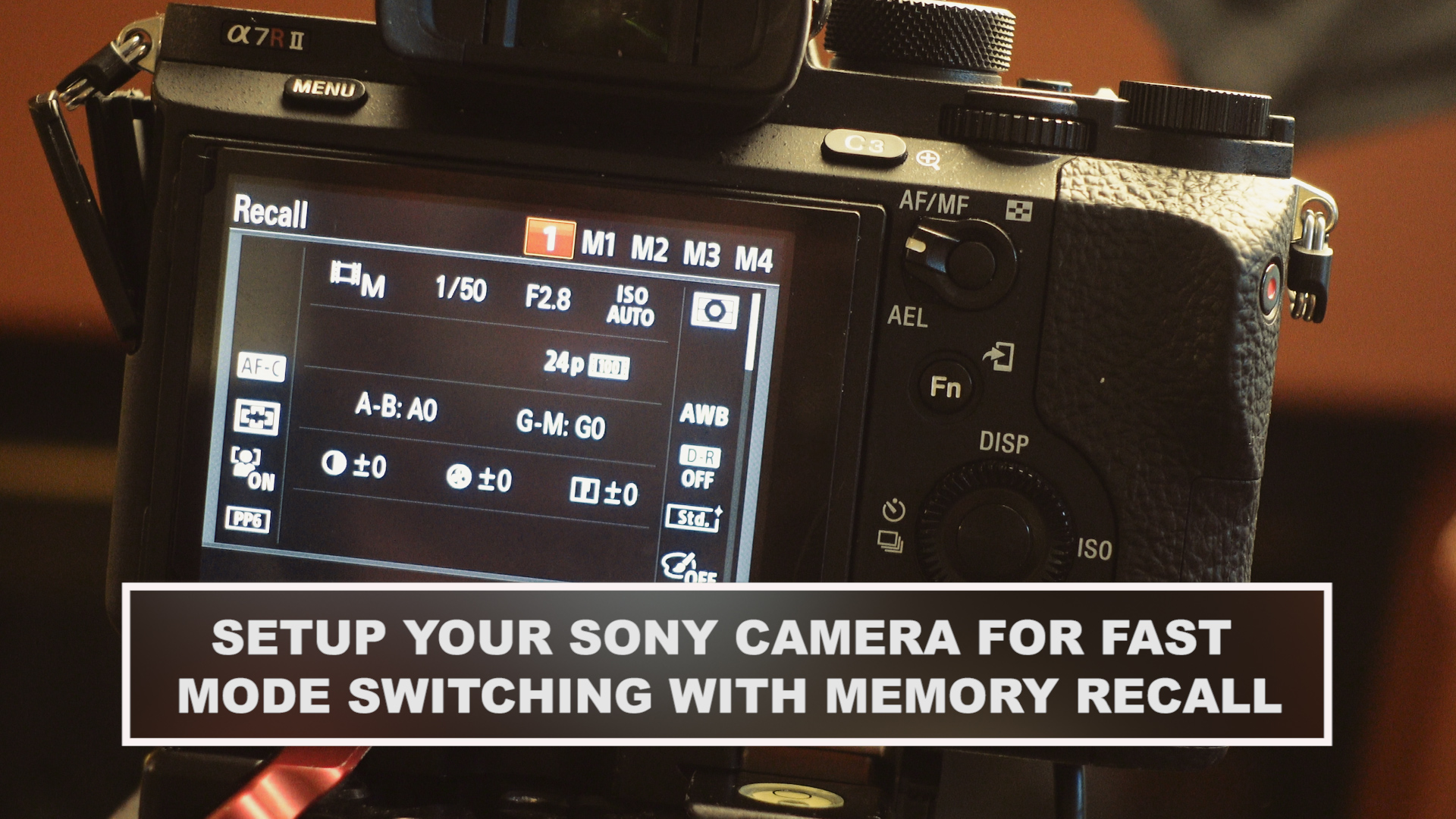
Have you ever noticed with hybrid cameras that switching from stills mode to video can be a multi setting nightmare? You have to remember to change a lot of settings before you start video recording or you could really have problems. The best way to always have the important settings right in both stills and video is to use the cameras Memory Recall setting. It’s a lifesaver and makes using a hybrid so much easer. Here is how to setup your Sony camera for fast mode switching with your favorite settings saved.
I shoot stills in RAW with no Picture Profile but in video mode I like to use a ‘Picture Profile” like Slog or Cinema. I also need a 180 degree shutter. This is important because if you set the shutter below 180 degrees it will cause a few issues like strobing and excessive motion blur. It’s okay to go higher if you desire less motion blur but then you get the opposite issue of a strong staccato look. A easy way to remember the 180 rule is always double the shutter speed based on the frame rate. If I shoot with a frame rate of 24 fps then my shutter needs to be set to a minimum of 1/50th. On a hybrid you don’t have 1/48 so go up to 1/50th.
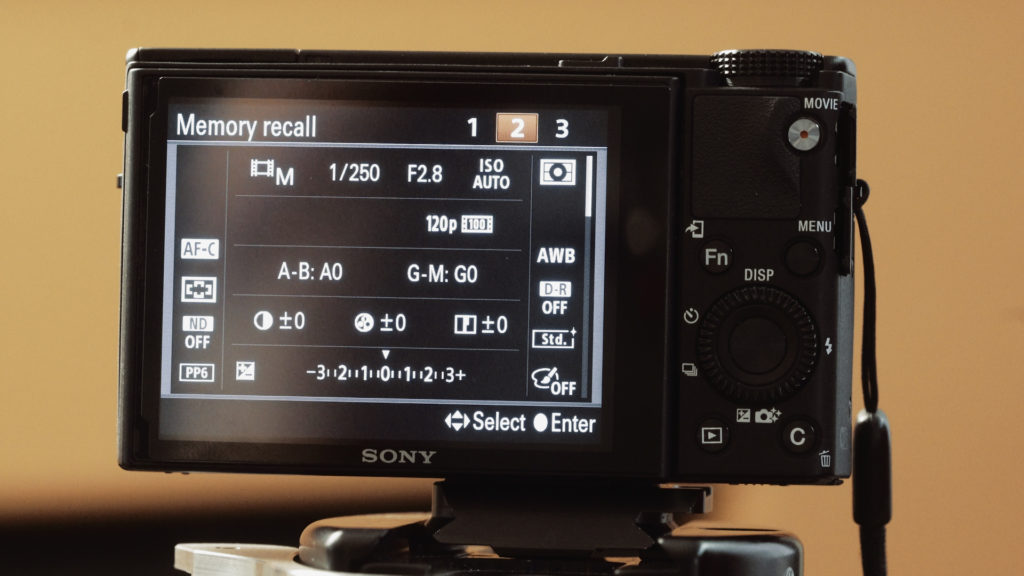
If I want to get some sweet 120 fps slow mo action then I need my shutter set to…. come on do the math with me… 1/250th (again on a hybrid the option of 1/240 doesn’t exist). Now, I ‘ve messed this up more times than I like to admit but never again! 😀 Why? because I also have a preset for High Frame Rates too!
Okay! Lets get your cameras setup so you have fast mode switching with the settings you need. It’s super easy to get the settings you like for several different shooting modes saved to memory. The setting on the RX100 IV and V is called MR or Memory Recall. On the a7 cameras you have 1,2 on the mode dial.
Check out this 1 minute video on Instagram on how great this setting is.
It’s super easy right? Here is the break down on how to set this up. Lets do video settings first.
- Set the “MODE DIAL” to VIDEO.
- In the MENU make all the camera settings you want. Picture Profile, Frame Rate, Resolution
- now set the shutter speed and stop. I like to have the camera set to the fastest I can with the lens I have. Put on a fast lens and open up the iris. When you use a slower lens the camera will default to that aperture.
- Double check all the settings and make sure it’s exactly what you want. This includes CUSTOM BUTTONS, FUNCTION MENU and any other user settings you want. Make it perfect for you. Don’t worry you can change the setting later if you want and re-save it.
- Go to MENU. CAMERA ICON. Page 9 (on the RX100 IV) scroll to MEMORY.
- A new page comes up. Here is where you select one of three preset options. YES you have three presets available on the RX100 IV. Cool right? On the screen you can see what is being saved. Scroll down with he dial on the camera and look over all the settings.
- If you’re happy choose 1. Press EXIT.
- Do the same for the other two MEMORY RECALL positions.
Now put the camera in a PHOTO MODE you would like to save. I use APERTURE PRIORITY and AUTO ISO a lot for stills. Also manual when I want to slow down. Set the camera up with the settings you want. I turn the PICTURE PROFILE off for stills since I shoot RAW.
Repeat step 5 from above but choose 2. Save the setting.
- Now turn the MODE DIAL to MR
- Select the camera function you want and press ENTER. (The center button on the dial.)
- Keep the camera in MR mode.
- If you want to go to say video to stills fast. Hit the FN button on the back of the camera. This brings up the FUNCTION MENU. Navigate to the lower right corner. It will have either MR1, MR2 or MR3 selected depending on what is already loaded. Press the center button to change the MODE.
- Now you are set!
A couple things that don’t get saved on the a7 cameras is the full frame/APS-C settings and the four extra M1, M2 ,M3 ,M4 slots are saved to the memory card. This is a bummer because if you format the card you lose the saved settings. I also wish the FUNCTION MENU could be saved for each MEMORY RECALL setting but it doesn’t. It would be nice to have video tools like ZEBRA and PEAKING in the FUNCTION MENU for video and stills tools for well… stills.
I made MEMORY RECALL 2 for high frame rate shooting. I have the shutter set to 1/250th so I never have to worry about screwing this up again!
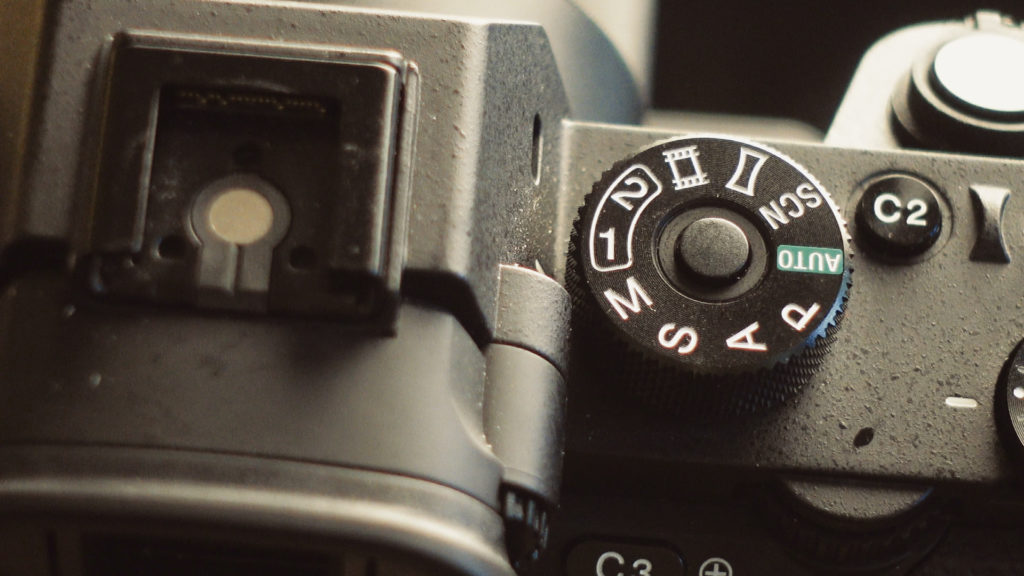
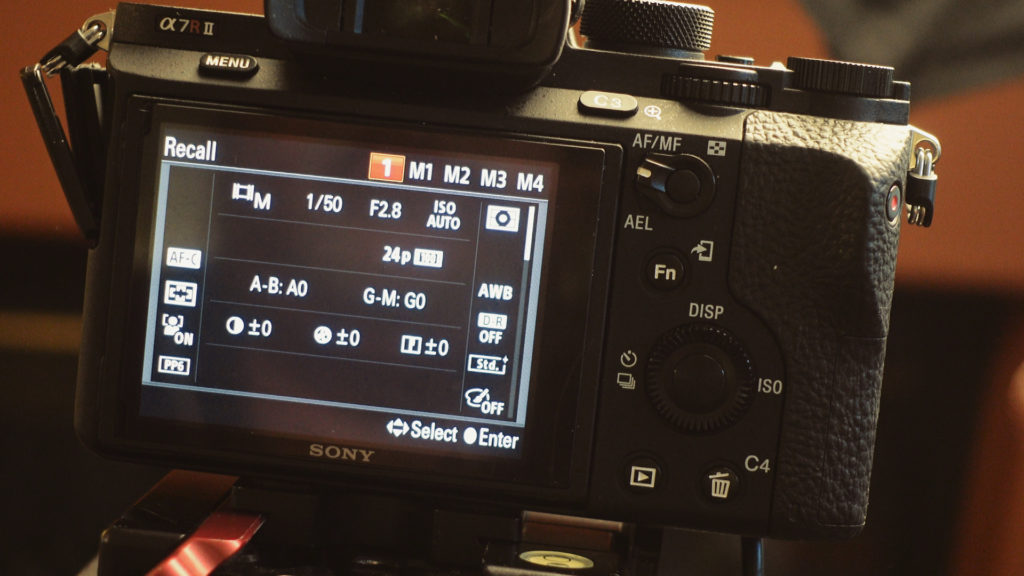
As I mentioned earlier this setting works with the a7s and a7r cameras as we’ll as a bunch of other Sony cameras. On my a7rii I use MEMORY 1 for 4K and 2 for HD.
Try it out and make shooting with a hybrid easier. Happy shooting!
Please signup for my newsletter! Follow me on Twitter @eriknaso and Facebook and also check out my Youtube Channel.
Thanks for coming by! Please help support my site by using the links on this page or bookmark these from my favorite retailers, B&H, Adorama, Zacuto, Amazon.com & Think Tank Photo Using the links cost you nothing extra, but it helps offset the cost of running my blog. Thanks again for coming by eriknaso.com!
