

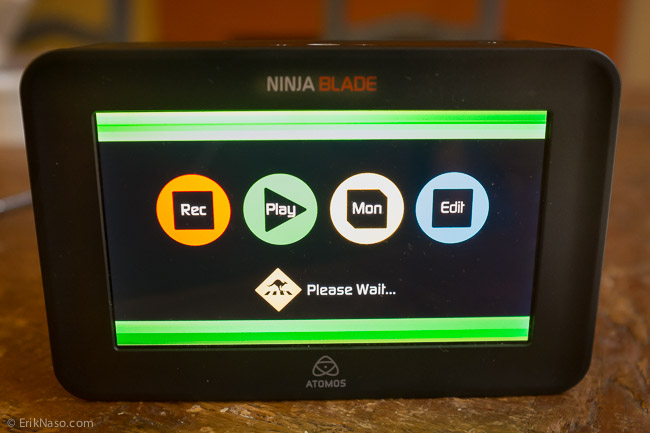
The Ninja Blade is one really nice recorder for the C100 and other HDMI output cameras. I love the screen so much I use it without even using the recorder. Great set of features are included like waveform and peaking make it a very versatile device. One little issue was this black bar and strange lines on the right side of the screen. With the new 5.11 update the black bar issue has been resolved. Awesome! Below are all the fixes and features. Click HERE to download 5.11 firmware.
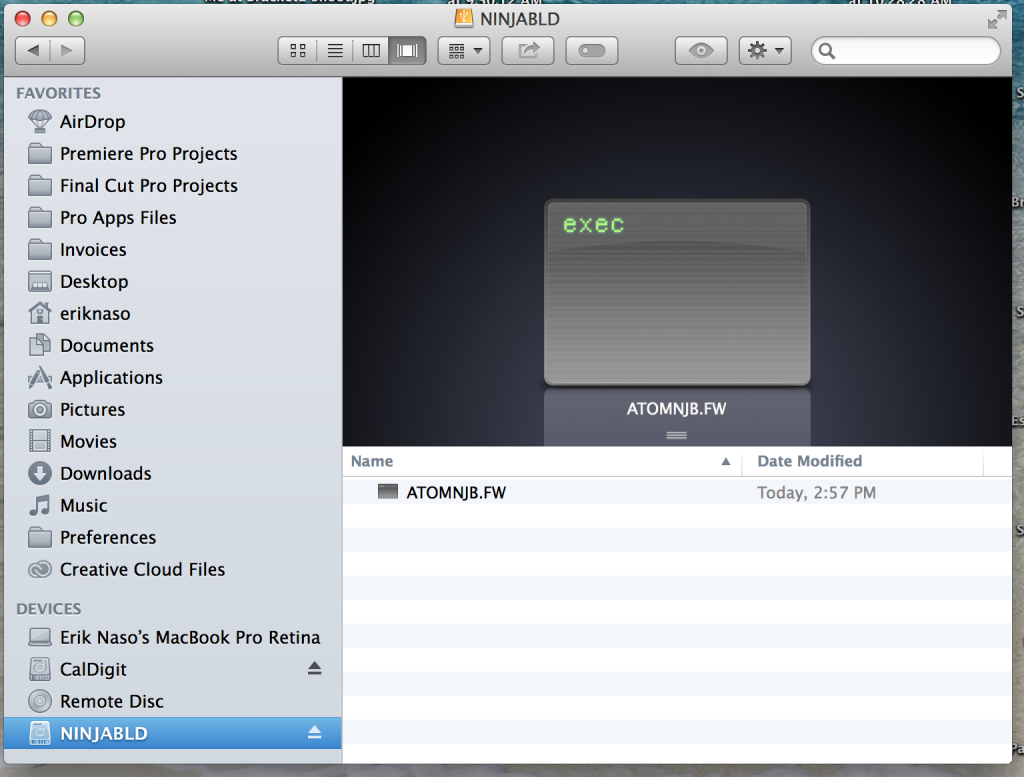
Ninja Blade 5.11 release notes FID:050105110511 Fixes:
- Pulldown re-locks when camera cadence changes frame order to avoid interlace artifacts
- Fixed issue with 3:2/2:2 pulldown where a black line would appear on the right hand side of the video
Other Changes:
- Implemented Auto-detect for all HDMI Camera Start/Stop triggers. Timecode should also be set to HDMI for HDMI Timecode detection and recording.
- Changed Camera trigger options to “HDMI” or “None/Timecode”. Customers using Rolling Timecode trigger, will need to set to None/Timecode and activate the yellow icon to enable Rolling Timecode trigger.
- Quicktime vendor field changed from “atms” to “appl” for greater compatibility.

Really like this new feature. Being able to switch from REC 709 to C-Log is fantastic.

Your monitor is only as good as it can be calibrated too. Now with the use of the Atomos Spyder we can see exactly what we shoot in perfect color.
 And finally a few new battery display options and fixes.
- When D-Tap Mode is active, AtomOS 5.1 stops constant checking between batteries. This avoids mic clicks due to earth loops in some camera situations. Failover switching will remain active.
- New to AtomOS 5.1 is a visual indication when powered from AC.
I updated my Ninja Blade today and I like the new firmware. Thanks Atomos for getting the black bar issue resolved very quickly.
Follow me on Twitter @eriknaso and check out my page on Facebook.
Thanks for coming by! Please help support my site by using the links on this page or bookmark these from my favorite retailers, B&H, Adorama, Zacuto, Amazon.com & Think Tank Photo. Using the links cost you nothing extra, but it helps offset the cost of running my blog. Thanks again for coming by eriknaso.com!
[adsenseyu1]

I just bought a new C100 to shoot videos with our company. Most of all our shooting will be outside and in hard sunlight so using the lcd is not a option. I have to get a monitor, I wanted to get the Ninja blade but I wont be using the recorder all the time, but will be using the monitor on all the shoots. Would you recommend just buying the ninja 2 and a monitor, or is the blade good enough as a stand alone monitor as well. Thanks for the input. Love this site as I am learning a ton.
Outside a EVF is going to work better than the options you stated. The Ninja Blade is a great monitor plus recorder. It’s fatter than a SmallHD DP7 but a little small screen too. If you just wont ever need a recorder then a SmallHD DP7 or AC would be a good choice. Another Atomos recorder is coming out soon. The shogun. 4K capable HDMI and SDI in. Bigger screen too. So many choices but for sunny outside shooting a Zacuto EVF would work very well.