

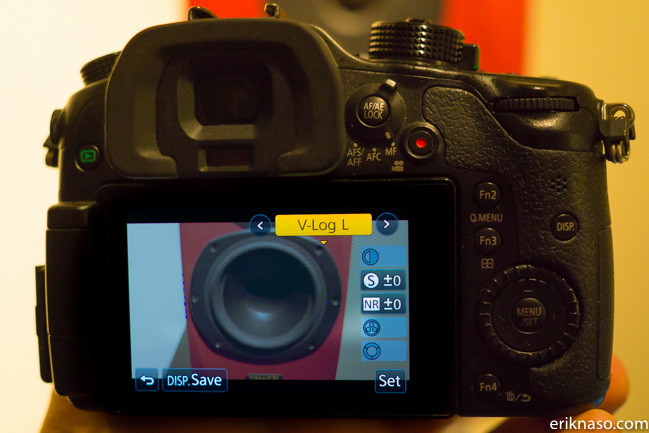
This morning I got word or should I say a lot of words that a back door has opened in getting V Log L for free on the GH4. I was surprised as hell to hear this so I had to try it for myself and yes it works.
I kind of feel bad giving this info away but it’s already out in the wild so here goes. First off I paid for the update but it hasn’t shipped yet and the method is kind a strange on getting the code to apply V-Log L. I don’t think this will last but knowing the internet the firmware update will be hosted and given away even if Panasonic pulls it from the site. The Panasonic Image App might be pulled as well but that could take some time. Today the internet wins. Sorry Panasonic. With that said here goes.
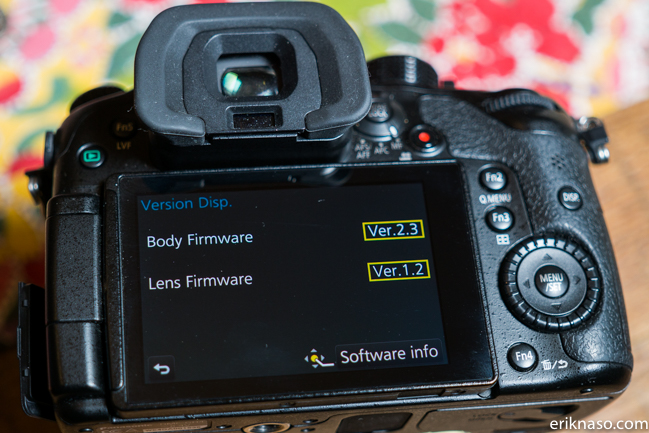
First thing I had to do was install the V2.3 firmware update. You also need the Image App.
If you don’t have the Image app download it from the app store . It’s called Panasonic Image App.
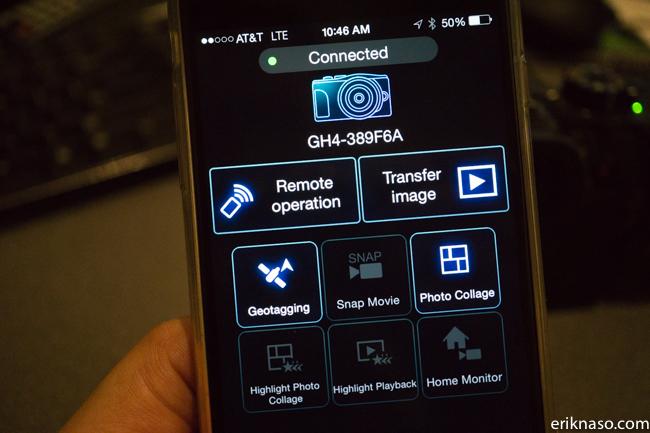
Connect your GH4 to the app. This is a real PITA because the app sucks to get it connected. You have to establish the connection with WiFi. You can figure this step out because to be honest I had a lot of problems. I did get it to connect finally.
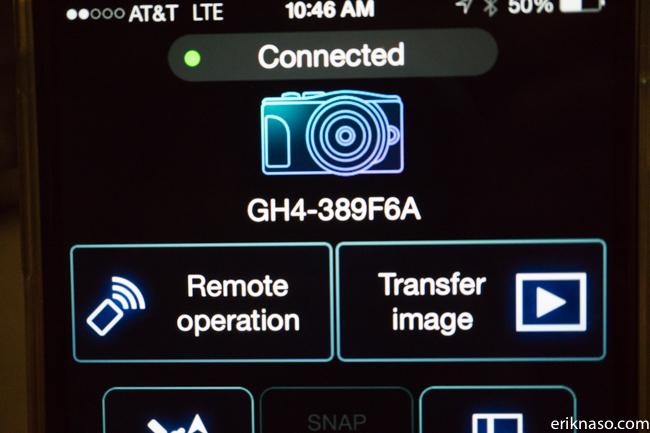
In the app select Remote Operation.
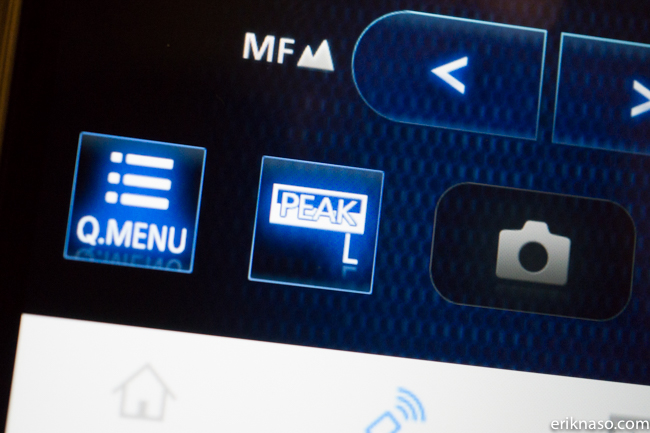
Tap the Q.MENU option
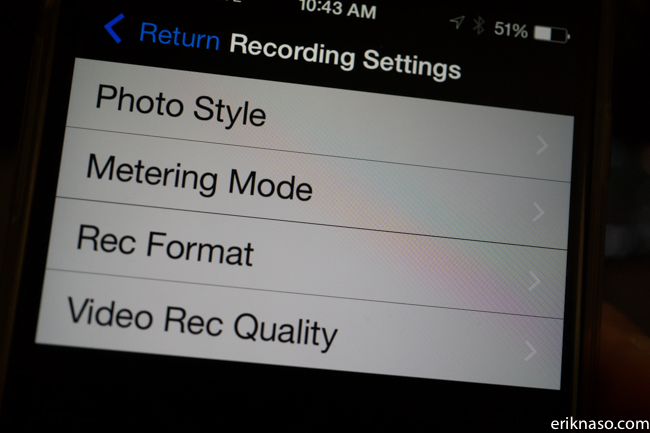
Select Photo Style
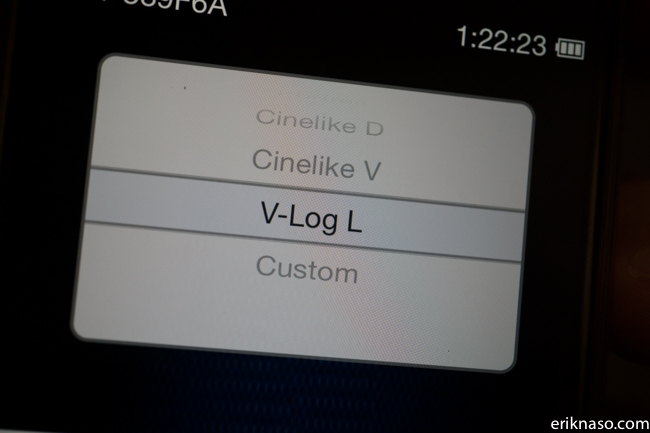
Select V-LOG L
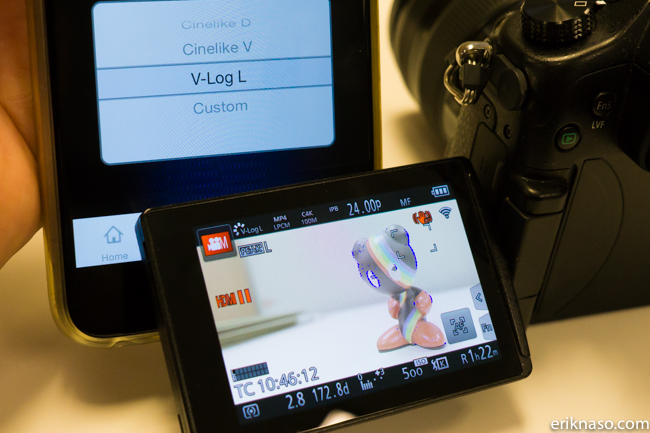
The camera now has the profile.
So you don’t have to do this again every time you power down the camera and the remote you can actual save it.
With the camera still in WiFi remote control and V-LOG L enabled in the camera go to the GH4 camera menu.
Custom/ Cust. Set Mem and select C1 or C2. Now the the GH4 has the profile saved and will always come back.
That’s it!
I haven’t tried it out yet but one thing I noticed is the base ISO is 400. You cant go any lower.
Follow me on Twitter @eriknaso and check out my page on Facebook.
Thanks for coming by! Please help support my site by using the links on this page or bookmark these from my favorite retailers, B&H, Adorama, Zacuto, Amazon.com & Think Tank Photo. Using the links cost you nothing extra, but it helps offset the cost of running my blog. Thanks again for coming by eriknaso.com!


Too bad the Panasonic Firmware Download page seems to be broken…all the links return:
javascript:OpenWin34()
instead of a link to a downloadable file 🙁
Ahhh…&*%^#@
Got caught by the Block PopUp Window option…
If you are on a Mac an using Safari, enable Pop Up windows and all is well.
IT LIVES!! Works over here, thanks for the tip. The only downside I’m seeing is that the zebras aren’t working.
Thanks for the great info, can’t wait to get home and try it on my camera.
Can’t seem to download the firmware file. Would anyone be kind enough to send me the firmware file to mina_fj@hotmail.com please? Thank you.
Wow, yep works on mine for now.
Very easy to under expose with this!!!
This works and will stay on your camera if you don’t upgrade firmware again. But they don’t come out with a lot of updates like Samsung so just keeping this as is is a great until the gh5 comes out 🙂
Nice Erik! Have you had any problems with Zebras and Highlight Shadow not working after the hack? Heard people were having problems…
I havent had the time to play much. Editing like crazy this week. I did do a quick shoot in the studio with the GH4 set to ISO 400 and the image looked pretty darn good. I used the SmallHD 502 for setting the exposure with the waveform. No time to get it wrong on this one.