

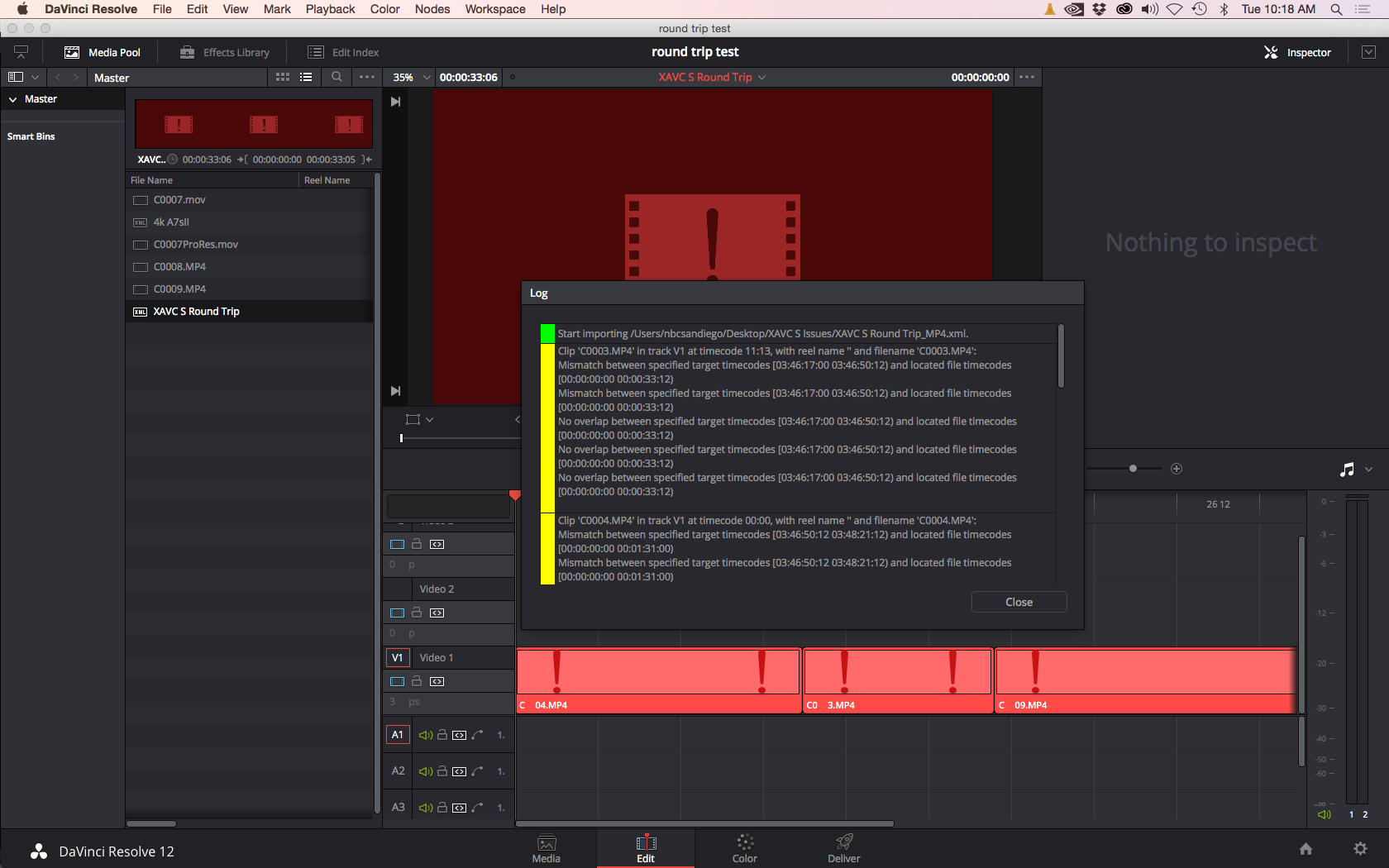

I’m getting comfortable using DaVinci Resolve 12 for the most part. Color Grading is just the best and the editing portion is pretty good too but I still have to use Premiere Pro CC 2015. I’ve been using the new Sony A7s II and a7r II lately I wanted to test how well XML round tripping works. This workflow is very solid in DaVinci Resolve so I had my doubts it wouldn’t work flawlessly, but with the XAVC S codec from the new Sony alpha cameras (namely the a7s II and a7r II) I did find an issue.
The issue is DaVinci Resolve doesn’t recognize the timecode from the XAVC S codec info inside the XML that I exported from Premiere Pro. I don’t know if this issue is a Premiere Pro CC 2015 problem or a XAVC S issue when exporting the XML.
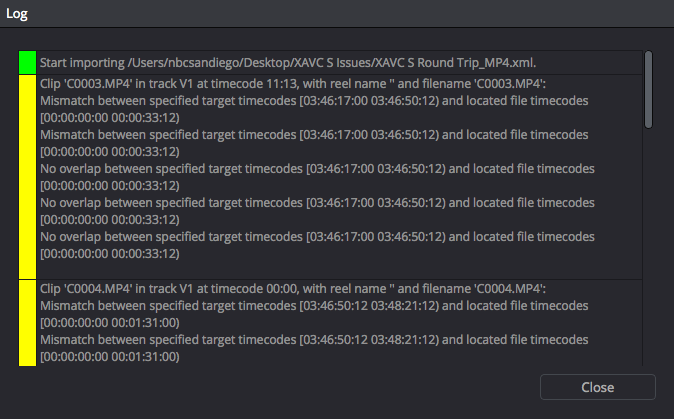
In the log you see a constant issue and it’s a timecode mismatch that is going on. Resolve is looking for the actual clip timecode but the XML has it wrong. I’m not that technical so lets move on to the fix 😀
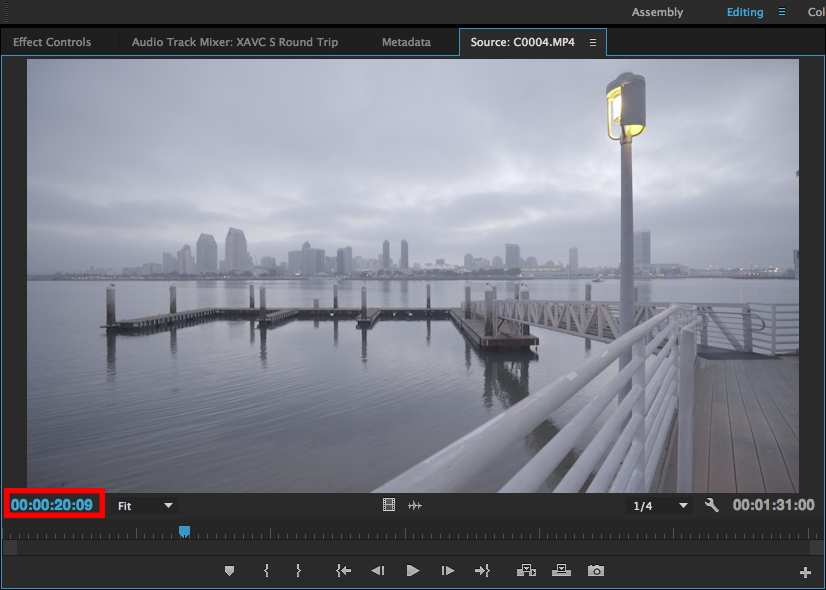
In the clip above the MP4 timecode starts at 00:00:00:00 and has the in point at 00:00:20:09.
The good thing is it’s an easy fix. You need to rewrap the .MP4 clips to .MOV with a program called EditReady or ClipWrap. They both come from the same company Divergent Media and cost the same. I recommend getting EditReady because it also does transcoding with renaming features.
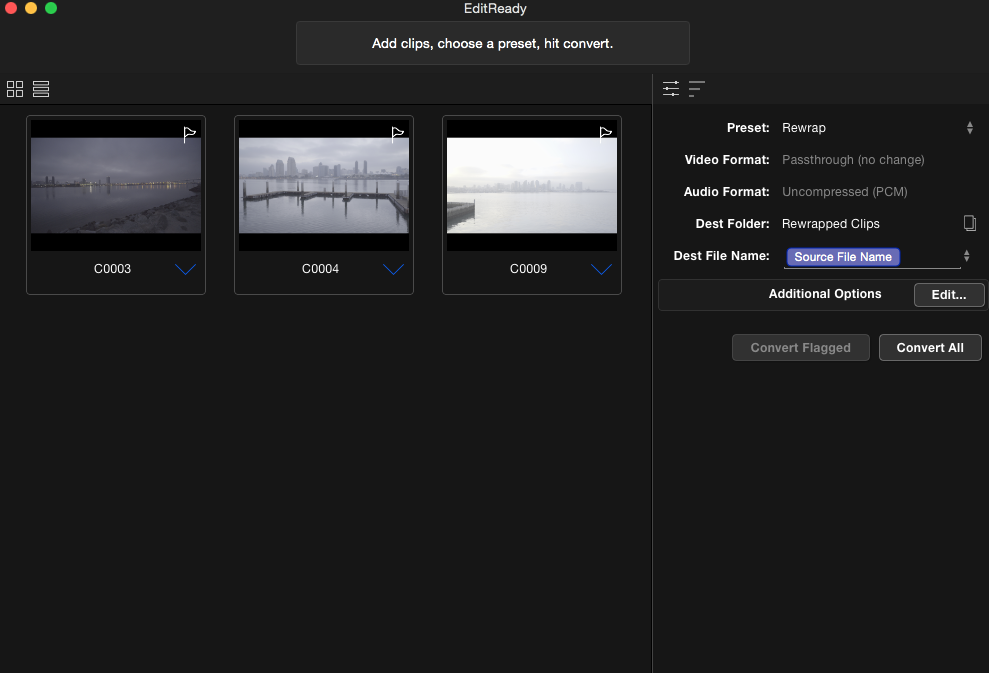
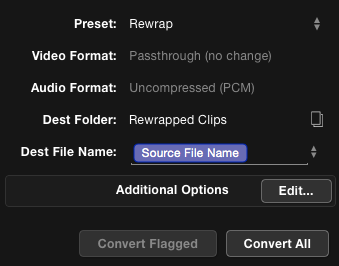
The process is very simple and straight forward. I like that! Just drop the files in and choose Rewrap.
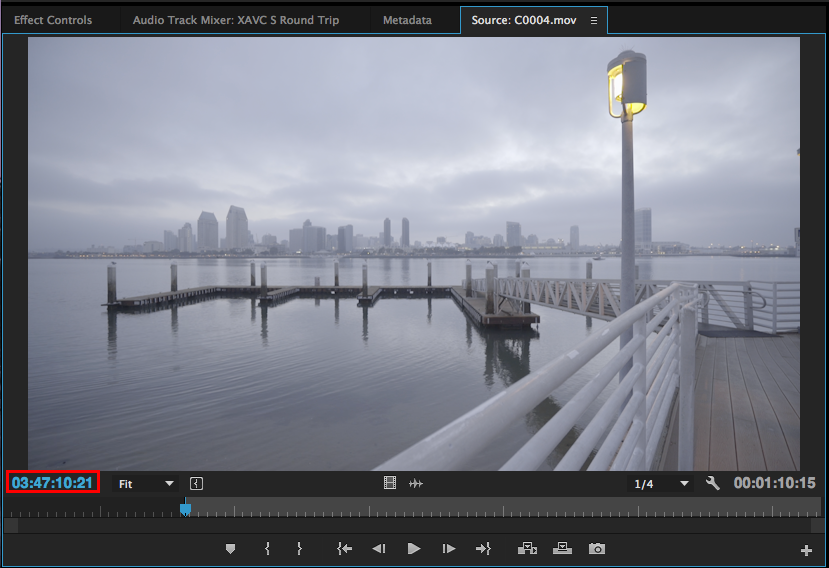
Here is the MOV re-wrapped clip and it has the right timecode. In point set at 03:47:10:21
The XML isn’t getting this right either and makes it impossible to get the media into Resolve with round tripping. You can edit the .MP4 files if you import them direct into Resolve.
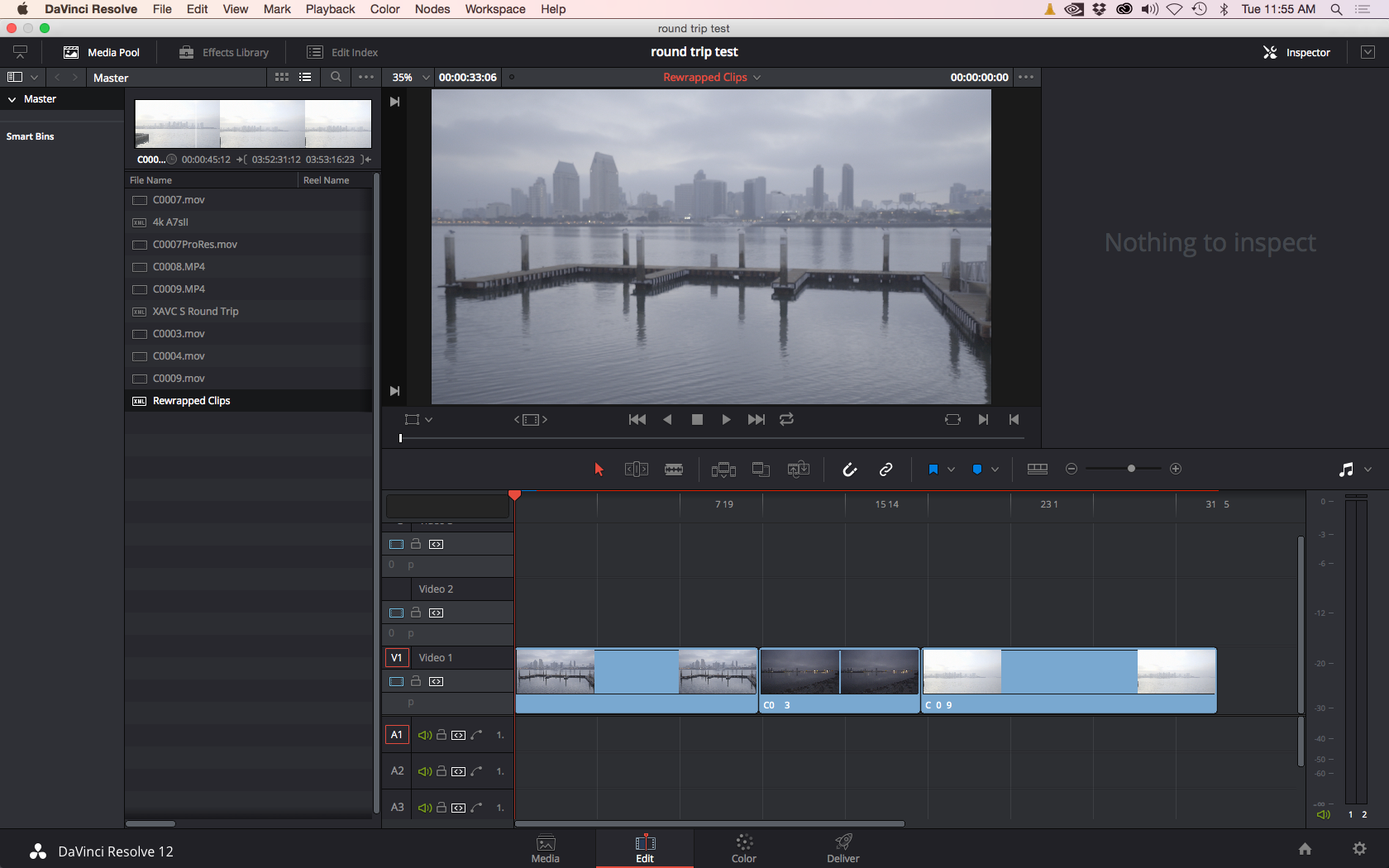
After rewrapping the files I repeated the process of creating the XML and importing it into Resolve. Worked perfect with no errors. Nice right?
Thats it I hope this helps you if you are wanting to round trip with XAVC S and DaVinci Resolve. In some ways it might be best to transcode instead since these MP4 files are harder on the computer and Resolve is going to render them anyway.
Happy editing!
Follow me on Twitter @eriknaso and check out my page on Facebook.
Thanks for coming by! Please help support my site by using the links on this page or bookmark these from my favorite retailers, B&H, Adorama, Zacuto, Amazon.com & Think Tank Photo. Using the links cost you nothing extra, but it helps offset the cost of running my blog. Thanks again for coming by eriknaso.com!


I’ve been using the Render & Replace feature in Premiere for those XAVC S files, works like a charm! Good post, would have avoided a lot of frustration months ago. Thanks!
Martin that is a good idea too. Easy enough to do especially if you already have a finished edit and need to get it to Resolve. Thanks for sharing.
Hey mark, ive been trying to render and replace to get my xavc s files into davinci but it still does not find the clips for the timeline. Is there a step i am missing?
Render & replace has worked for me in the past, but I came across an excellent alternate method using an EDL from Premiere to Resolve demonstrated by Casey Faris found here: https://www.youtube.com/watch?v=Otn6UEKmEjE
I find his method to be easier and fool proof.
any such software for windows user??
I tried the solution Martin stated and it works perfectly well…
thanks mate
render and replace works like a charm while round tripping to davinci resolve… thanks martin
Hey Erik,
Things are looking good here in Resolve 12! Glad to see I’m not the only one learning this platform. Thought you might be interested in knowing Dion Scoppettuolo, author of an upcoming DaVinci Resolve 12 editing book, is having a week long webinar starting Monday, Nov. 9th on the Moviola website. I know the first day is free, and it would appear the rest of it is free as well, although I may be wrong about that. anyway, something to consider!
Steve M
Hey Erik,
I just came across a different workflow I found from Casey Faris, which involves exporting your final timeline from Premiere and also exporting an EDL. Once in resolve, import your timeline, import the EDL and bingo your cuts are all in place. This workflow solved 2 big issues as an A7RII user: no more need to render and replace XAVC S files and any cropping done to my 4k clips (working on 1080p timeline) is carried over to Resolve!
Just thought I’d share the knowledge to anyone who hasn’t see Casey’s workflow. http://www.4kshooters.net/2015/12/03/an-extremely-powerful-and-efficient-technique-to-bring-a-premiere-pro-sequence-into-resolve-12/
Maaan, I dunno about that method.
The ability to use local and remote versions in Resolve goes out the window with this approach. I’ve done this before (albeit through a different methodology) you just run the risk of losing a lot of Resolves management features.
I use remote versions All. The. Time.
Clients & Changes –> Death & Taxes
Hey Eric,
Thanks for this. I ran it this issue last week. And actually openeda ticket with Davinci and they suggested changing the confirm settings. Needless to say i still didnt get it work and im so happy that i found this article. I will now use the replace and render feature as Martin suggested.
Thanks!
Thanks man ! This helped a lot. It worked perfectly fine